
What does renewing DHCP lease do? At the client level, it asks the DHCP service to extend or refresh the right to use an assigned IP address and related network configuration. The client may keep the same address, refresh its lease timer, receive updated options, and continue operating without a visible interruption. At the operations level, renewal creates a record that helps network teams understand whether DHCP service, relay paths, DNS options, IPAM records, and endpoint evidence remain aligned.
Renewing a DHCP lease sounds like a desktop support action, but it matters at enterprise scale. A renewal can confirm that the client still has a valid address. It can pick up changed DHCP options. It can reveal whether a DHCP server, relay, or failover path is reachable. It can trigger or refresh dynamic DNS behavior in some environments. It can also help administrators interpret which device used an address at a certain time. ZDNS supports this operational view through enterprise DHCP service management, IP address lifecycle management, DNS resolver control, and endpoint access visibility.
Renewal Extends The Lease Agreement
A DHCP lease is temporary permission to use an address and configuration values. Renewal extends that permission before the lease expires. In ordinary operation, clients do not wait until the last second. They try to renew during the lease period so the address remains usable. If renewal succeeds, the client usually keeps the same address and receives a refreshed lease timer. To the user, nothing dramatic happens. The network simply continues working.
That quiet success is the point. DHCP renewal lets endpoints remain connected without forcing a new discovery process every time the lease nears expiration. It reduces disruption while still allowing the network to revalidate assignments over time. The balance between stability and freshness depends on the configured lease duration and the behavior of the client, server, relay, and network path.
For operations teams, a successful renewal is a small health signal. It suggests the client can still reach DHCP service and that the server still recognizes the lease relationship.
Renewal Can Refresh Configuration Options

DHCP does more than assign IP addresses. It can provide default gateway information, DNS resolver addresses, domain search information, lease timers, and other options. When a client renews, it may receive current option values from the DHCP service. This is one reason administrators may ask users to renew a lease after changing DNS resolver settings or related network options.
However, renewal does not guarantee that every application immediately changes behavior. Some applications cache DNS answers. Some systems manage network settings differently. Some clients may continue using old information until the operating system applies new settings cleanly. Renewal is an important configuration-refresh step, but it is not magic.
In enterprise environments, ZDNS DNS and DHCP should be planned together. If resolver policy changes, administrators should understand how quickly clients renew, which scopes distribute the option, and whether IPAM records show the correct scope ownership. A renewal is only as useful as the configuration it receives.
Renewal Does Not Always Mean A New Address
Many users assume renewing a DHCP lease means getting a new IP address. Often, the client keeps the same address. The DHCP server may extend the lease because the assignment remains valid and the address is still appropriate for that client. A new address may be assigned if the previous lease expired, the client moved to a different network, the scope changed, the address became unavailable, or the server's policy requires a different assignment.
This distinction matters during troubleshooting. If a user renews a lease and keeps the same address, that does not mean renewal failed. It may mean the DHCP service worked exactly as designed. If the user receives a different address, that may be normal after moving networks, but it may also indicate scope changes, reservation changes, or address pool behavior worth reviewing.
Administrators should avoid treating "new address" as the goal. The goal is valid configuration, current options, and reliable evidence of assignment.
Renewal Helps Diagnose Reachability
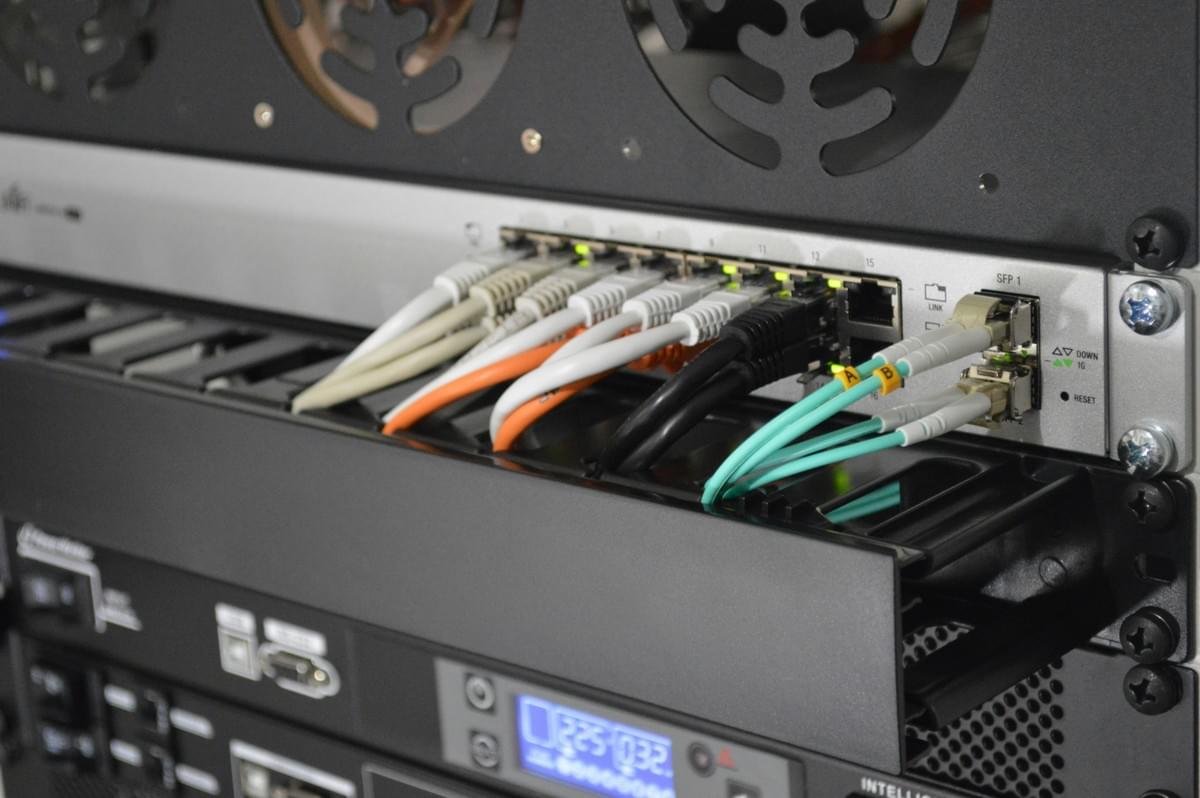
When a client cannot renew, the problem may point to DHCP service reachability. The server may be unavailable. A relay may be misconfigured. A VLAN may be wrong. A firewall rule may block traffic. A failover node may not have current lease state. A branch link may have failed. The client may also have a local operating system or interface issue.
Because renewal is a focused request, it can help isolate the issue. If many clients on the same subnet fail to renew, the problem is likely shared infrastructure. If only one client fails, the problem may be local to that endpoint, switch port, access policy, or device profile. If clients can renew in one site but not another, relay and routing paths deserve attention.
ZDNS DHCP transaction logs, address pool visibility, high-availability features, and IPAM context help administrators move from symptom to cause. Renewal attempts become useful evidence when they are logged and correlated with the subnet, device, relay path, and access state.
Renewal Interacts With DNS Freshness
In many networks, DHCP and DNS are connected through dynamic updates or operational workflows. When a lease is renewed, DNS-related behavior may be refreshed depending on how the environment is configured. If DNS records are stale, if a hostname does not resolve as expected, or if a client received outdated resolver settings, renewal may be part of the troubleshooting sequence.
Still, DHCP renewal alone cannot fix every DNS issue. A stale record may require cleanup. A recursive resolver may have cached data. An application may have cached the old answer. A record may be managed manually outside DHCP. A split DNS policy or forwarding path may be involved. Renewal is a helpful step because it refreshes the client-side DHCP relationship, but DNS correctness depends on the broader DDI design.
ZDNS DNS capabilities around recursive resolution, DNS security, forwarding behavior, logs, dual-stack optimization, and DNS64 controls are relevant when renewal questions lead to name-resolution questions. The best troubleshooting process checks DHCP, DNS, and IPAM together.
Renewal Updates Operational Evidence
Every renewal can become part of the evidence trail. It can show that a client was still active, still using a specific address, and still interacting with the DHCP service at a certain time. In incident response, that information helps answer who had an address when an event occurred. In capacity planning, it helps reveal active usage rather than stale assignments. In audit work, it helps connect address ownership to actual network behavior.
Evidence quality depends on retention and correlation. A current lease table is useful, but historical transaction logs and lifecycle records are often more important. If an investigation asks who used an address yesterday, administrators need records from yesterday. If the device also had IPv6 addresses, VPN identities, or access-control events, the evidence should connect across systems.
ZDNS IPAM, DHCP, DNS, and NACS context support this connection. DHCP shows lease activity. IPAM shows address ownership and history. DNS shows name-resolution behavior. NACS helps identify whether the endpoint belonged on the network and where it connected.
Renewal Can Expose Policy Drift
Lease renewal can reveal when DHCP policy has drifted. A client may receive a resolver option that should have been retired. A subnet may still distribute an old domain suffix. A branch scope may have a different lease duration from the documented profile. A reservation may bind an address to a device that no longer exists. A relay may send requests to an unexpected DHCP service.
These problems are easy to overlook because existing clients may continue working. Renewal events bring the configuration back into view. They show what the client is actually receiving, not what the documentation says it should receive. That is why renewal testing should be part of change validation after DHCP option changes, failover changes, DNS migrations, subnet moves, and access-policy updates.
Policy drift is not only a technical issue. It creates operational uncertainty. If teams cannot trust DHCP options, IPAM records, DNS records, and access context to tell the same story, troubleshooting slows down.
When To Renew A DHCP Lease
Client lease renewal is useful in several common scenarios:
- After a DNS resolver or domain option change.
- After moving a device to a different VLAN, subnet, or access profile.
- When a client has an address but cannot reach expected network services.
- When testing whether a DHCP relay or failover path is working.
- After correcting a reservation, exclusion, or scope option.
- When verifying that a policy change reached endpoints.
- When collecting evidence for an address assignment at a specific time.
- When troubleshooting stale DNS or incorrect resolver configuration.
Renewal is not always the first or only step, but it is a practical way to refresh the client-to-DHCP relationship and collect evidence about what the network is currently offering.
When Renewal Is Not Enough
There are also times when renewal will not solve the problem. If the subnet is exhausted, renewing may fail or preserve an existing lease without creating more capacity. If a DNS record is stale in an external system, renewal may not update it. If a firewall blocks traffic after address assignment, the address can be valid while connectivity still fails. If access-control policy blocks the device, DHCP success does not guarantee network permission. If an application has cached old DNS data, renewing the lease may not immediately change application behavior.
Operations teams should therefore treat renewal as one signal. The next step may be reviewing DHCP logs, IPAM utilization, DNS records, relay configuration, switch port status, NACS policy, firewall rules, or application behavior. The value of DDI is that these checks are not isolated guesses. They can be connected through the address, device, subnet, and timestamp.
How ZDNS Helps Teams Interpret Renewal
ZDNS DHCP supports enterprise address allocation, high availability, lease synchronization, transaction logs, endpoint fingerprint attributes, DHCP options, rogue server detection, DDNS support, and IPv4/IPv6 dual-stack support. ZDNS IPAM adds address planning, utilization reports, dynamic sensing, lifecycle history, and endpoint asset profiles. ZDNS DNS adds resolver and record visibility. ZDNS NACS adds access and endpoint context.
This combination helps teams interpret what a DHCP renewal actually means. Did the client get current options? Was the address still valid? Did the lease update align with IPAM ownership? Did DNS reflect the right record? Was the endpoint authorized? Did the event happen before or after a configuration change? These are the questions that turn renewal from a help-desk command into operational insight.
Conclusion
Renewing a DHCP lease refreshes the client's temporary right to use an IP address and related configuration. It often extends the same address rather than assigning a new one. It can update options, test DHCP reachability, support DNS troubleshooting, and create useful evidence. It does not, by itself, fix every address, DNS, security, or connectivity issue.
For enterprise networks, renewal should be understood as part of DDI operations. ZDNS helps teams connect DHCP renewal behavior with IPAM governance, DNS correctness, and endpoint access visibility so that a simple client action produces better operational understanding.