
How DNS works is easier to understand when you follow one new name from the team that creates it to the users who need it. A service team publishes an address for a name. A resolver obtains an answer from the appropriate DNS infrastructure and can reuse that answer for a time. The application then uses the result to attempt a connection. For a launch, each of those steps needs a separate acceptance check.

Simplified DNS roles, not a deployment configuration. Cache behavior, forwarding and policies depend on the actual environment; test application success separately. Click image to enlarge.
Give the name a clear owner
Suppose a team is launching an internal service called orders.example. The application owner requests the name and provides the destination. The DNS owner checks which zone should hold the record and which users should receive an answer for the name. The network and application owners confirm that those users can reach the destination and that the service will accept the connection. These are different responsibilities, even if a small team assigns them to the same person.
In the request, record the full name, the intended audience, the record type, the target and the time of the change. If there are separate answers for office users and other networks, attach the expected answer to each applicable view. A screenshot of the requested hostname is less informative than a table that shows who should see which result and where the decision belongs.
For new operators, this is the first practical lesson in how DNS works. One owner publishes a record within the appropriate zone. Another may operate the resolver path used by clients. Give both teams the name, expected outcome and acceptance window so they can compare observations from their own systems.
Follow one request from the client
In a common arrangement, the application asks the operating system to resolve a name. The client sends the query to its configured resolver unless a local answer, other resolution mechanism or application-specific arrangement applies. The recursive resolver may answer from cache. If it needs fresh information, its configured resolution path can lead it to authoritative servers. Some enterprise resolvers send queries to another resolver under a forwarding policy.
The domain name system concepts in RFC 1034 explain the roles of resolvers, name servers and zones. For a launch checklist, draw the expected path in terms relevant to your users. Include the client network, the resolver it is meant to use, the authoritative zone and any policy that changes the answer. This is part of how DNS works when clients follow different policies. An operator can then distinguish the published data from the result a particular client received.
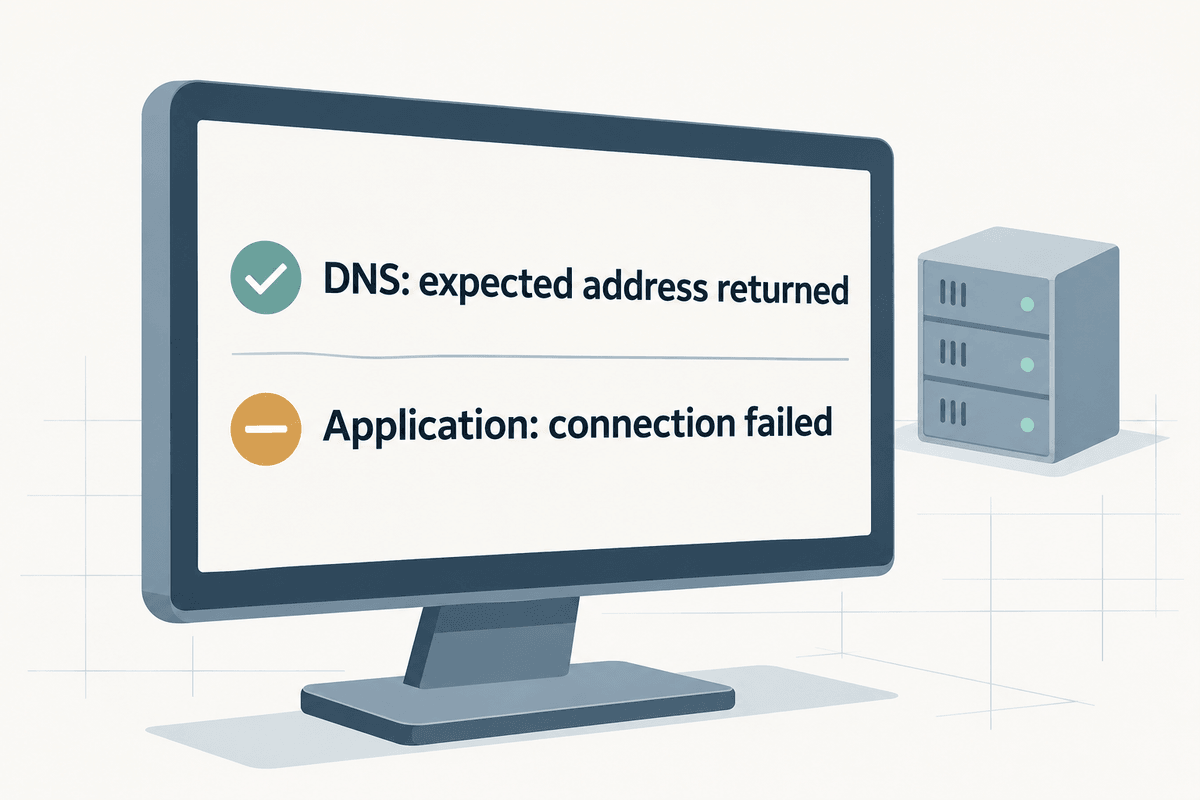
A resolver answer is an input to the client’s next action. A correct address does not establish that the connection succeeded or that a user completed the intended task. After checking the name, ask the service owner to run an ordinary application health or login check from the same approved test location. Record both outcomes with their timestamps.
Decide what to check on launch day
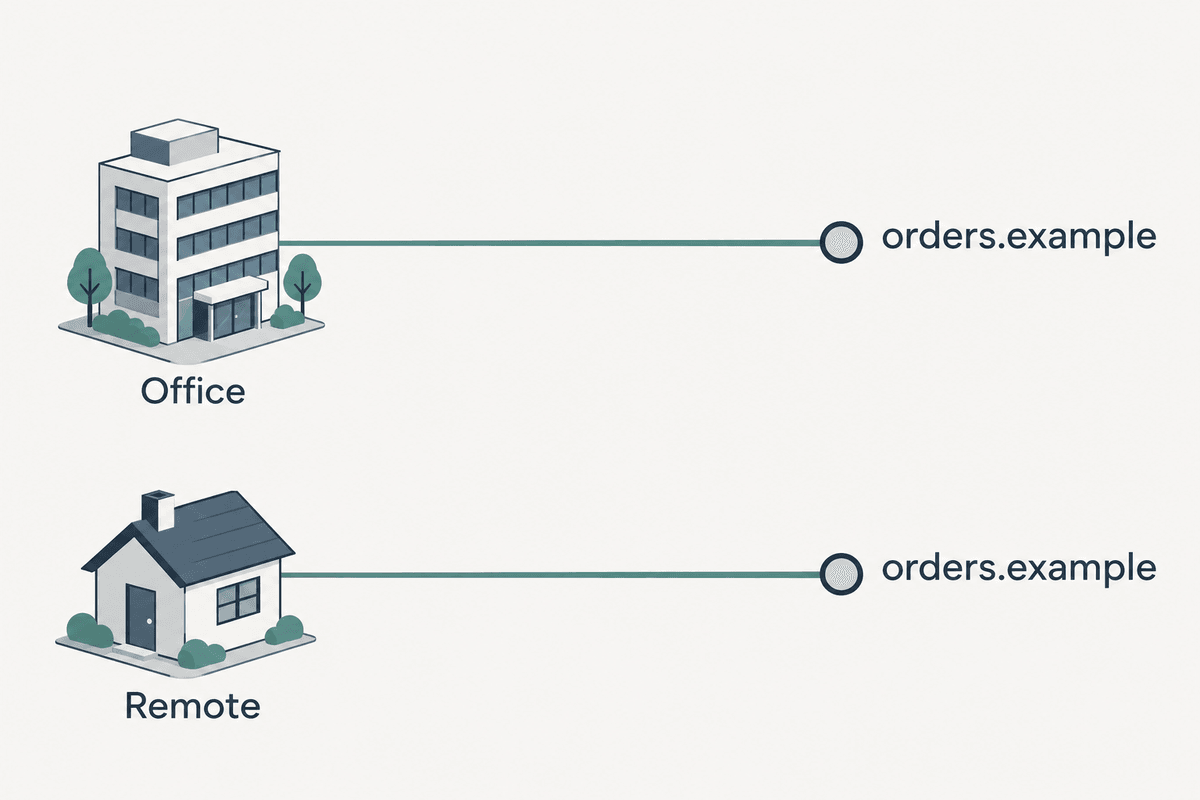
A test of how DNS works in the intended production environment needs a documented starting point. Before publishing the new name, record the result that is expected from each test location. Include an office device, a remote user path or a relevant application environment when the service is intended for that group. Use representative clients whose resolver settings reflect the real deployment. Document any test location that has special overrides, because its result might not describe a typical user’s experience.
Check how DNS works from an ordinary client before adding any temporary resolver override. After the change, check the record as seen from the authoritative side. Then check through the resolver path used by each relevant group. Save the name and query type, the observed answer, the observation time and where it was collected. If both address families are intended, verify both record types and check which connection the application actually uses in your sample environment.
To explain how DNS works around caches, compare a new name with the replacement of an existing answer. The two changes may behave differently at launch. Someone who queried the new name before publication might receive a cached negative answer for a period. A client asking for an established name may still receive its earlier answer from cache. Make that behavior part of launch planning and use the documented cache settings and observations from your own infrastructure to judge the transition.
Use an acceptance record each team can repeat
For the fictional orders.example launch, write down an authoritative check that shows the intended record and a client-side check that confirms the expected office result. Add a second client check from a remote access network if that group is in scope. Finish with a service check using the name itself. If the client has cached an answer, record that fact with the test so another operator can reproduce the observation. This gives the owner evidence for publication, resolution and application access without assuming that one observation proves all three.
When an observation differs, identify the first step with an unexpected result. If the authoritative data matches the change but one user group sees another answer, confirm the resolver and view used by that group before changing the record again. If the client resolves the expected address but the service cannot be reached, hand over the connection issue with the resolution evidence attached.
Record how DNS works during a rollback in the same launch ticket as the release checks. If the team needs to restore a previous answer, keep the exact previous value and its scope with the approved change. Tell test operators which checks to repeat and which values to expect. This makes how DNS works tangible for the release team because every owner can point to the decision or observation that belongs to their part of the path.
Compare the path with the operating model
For a deployment discussion, use the ZDNS enterprise DNS overview to frame which parts of the resolver and authoritative architecture are relevant. Share the zones, forwarding behavior, expected client paths and test evidence that apply to the particular project. Ask for confirmation of the exact configuration and ways to observe the behavior in a representative deployment.
Include a short description of how DNS works in this environment in the launch handoff. Identify who can approve a record change, who can trace the resolver path for each user group and who verifies the application. If support receives an issue, it should be able to capture the observed name, time, network and outcome and send them to the owner of the relevant step. Repeat those roles whenever a new view or access path enters the project.
Questions about how DNS works in a service launch
Does publishing a DNS record make the service ready?
Publication makes the answer available from the responsible DNS infrastructure. Check the answers users receive and the service itself before calling the launch complete. One test should show the record is published, another should reflect the normal resolver path, and a third should show that the intended application operation works.
Will all clients receive the changed answer at the same time?
Results can differ while caches expire or where users follow different resolver policies. Check the approved expectations and actual observations for each relevant group. Ask which system provided the answer and when the observation was made. Repeat the check from the client path that will be used after launch.
What should a launch ticket include?
Include the full name, record type, destination, intended audience, expected views, change window and verification owner. Record the previous value if there is one. Add the test locations and the intended application check. These details make the result repeatable and give the next operator enough context for a handoff.
To explain how DNS works for your next service launch, draw the path from the published record to the client and the application. Bring that path, the expected answers and the release checks to your DNS infrastructure discussion.